
Calendly
Bring Calendly bookings into Kalumma
Capturas de pantalla


Descripción
Connect Calendly to Kalumma to bring scheduled meetings and booking details into your workflows. New bookings flow into Kalumma automatically, so meetings, invitees, and status are captured without manual entry. Map booking data to the records your team works with, and keep everything current as schedules change. Setup is guided, so most teams can connect and configure without engineering help.
Características
Get one-click scheduling on your site – instantly
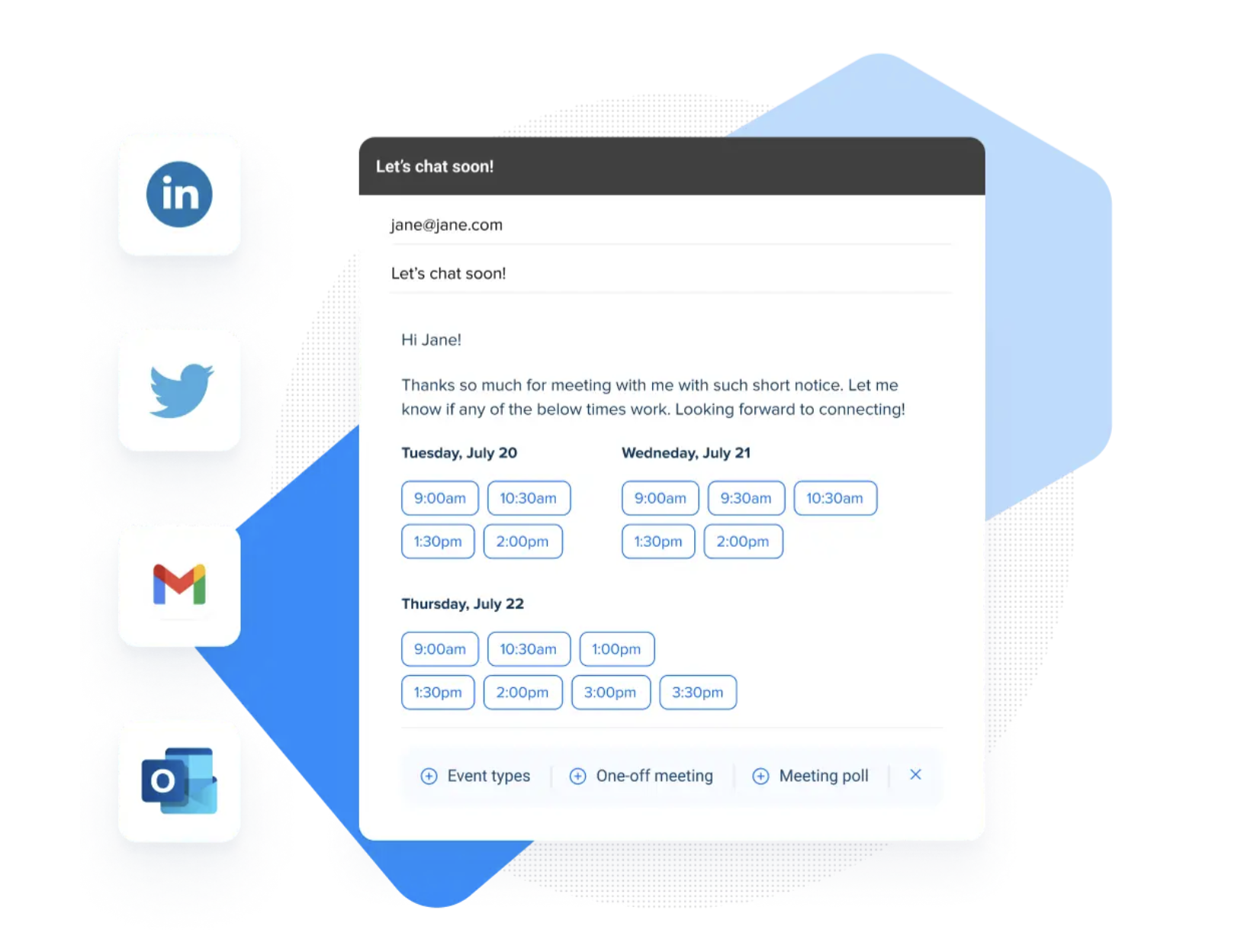
Let customers and prospects schedule an appointment from any page on your site, without the need to develop a scheduling solution yourself.

Instantly check availability across multiple calendars
Eliminate double bookings with intelligent scheduling that cross-checks all your calendars. Calendly only shows available appointment times and never exposes your calendar contents to invitees.
Screen and qualify website visitors or invitees
Prioritize scheduling with high-value leads based on industry, company size, and other requirements. Send people who aren’t a fit to a referral page or other resource.
How it Works
Once connected, Kalumma brings in Calendly bookings as they happen — new meetings, reschedules, and cancellations are reflected without manual updates. You choose which event types to include and map booking details to your records, so a scheduled meeting becomes something your team can act on. Teams that want more control can use the connection to trigger follow-up, assign an owner, or update a related record when a meeting is booked. Configuration is handled through a guided setup with documentation, so you can connect event types, map fields, and set preferences without writing code.
Diagramas de Integración
Datos
Reunión
Reunión
Contacto
Contacto
Actualización de estado
Actualización de estado


Datos
Evento programado
Evento programado
Invitado
Invitado
Reprogramar / cancelar
Reprogramar / cancelar